
A business monitor should make everyday work more comfortable, whether your team handles spreadsheets, customer records, or detailed reports. For a larger meeting room where everyone needs to see the presentation from a distance, compare our business projectors as an alternative.
Screen size alone does not tell you which display is best. Resolution, height adjustment, and laptop connections can matter more. For a fixed office setup, pair the display with a suitable machine from our business desktop recommendations.
For instance, a USB-C monitor may simplify a shared laptop desk. A sharper QHD or 4K display can make dense documents easier to read. If you’re choosing a portable computer at the same time, compare business laptops for compatible video output and USB-C charging.
We’ve selected ten monitors for different office setups. Answer a few questions below to find a suitable option.
On this page
Find Your Business Monitor
Answer three questions to see relevant products from our reviews.
Monitor picks for shared and multi-screen desks
Choose the connection first: a desktop display, a USB-C laptop dock and a multi-monitor setup have different requirements. Then compare resolution and stand adjustment.
Matching monitors for office desktops
Dell Pro 24 Plus P2425H
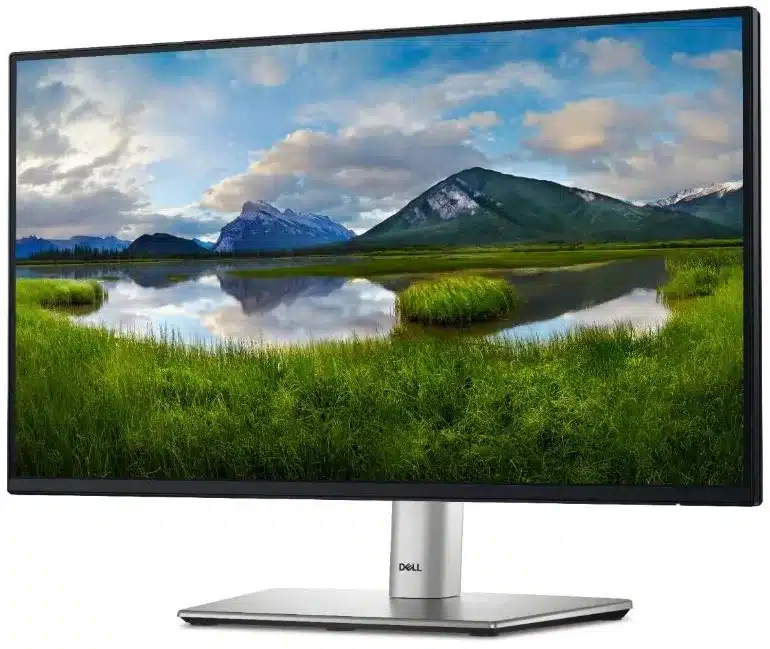
23.8-inch Full HD · 100Hz · Height, swivel and pivot
The adjustable stand helps align two displays for administrative work without automatically needing a monitor arm.
Trade-off: Its USB-C downstream port does not provide laptop video and charging.
Hybrid workers connecting one laptop
Dell Pro 24 Plus P2425HE
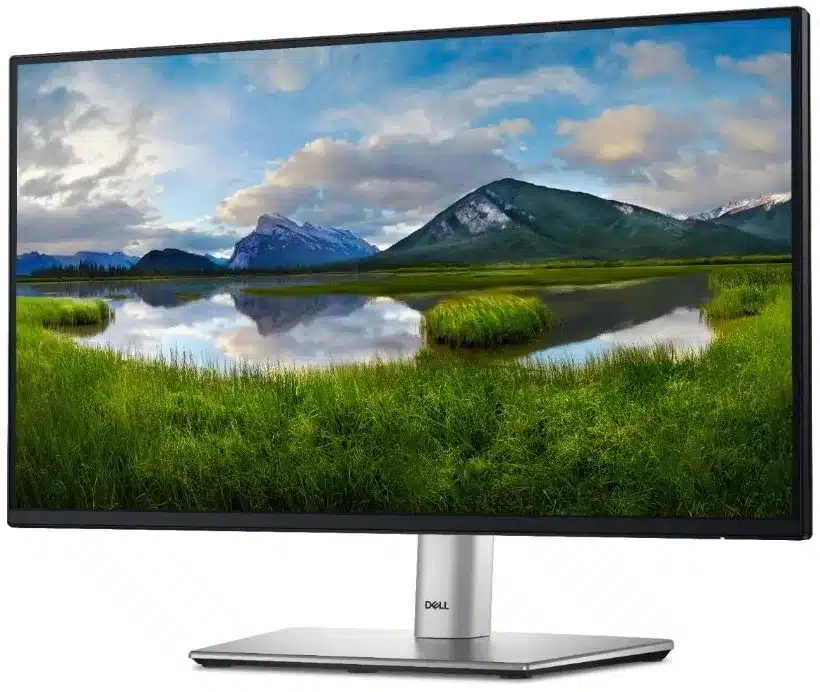
23.8-inch Full HD · Up to 90W USB-C · Ethernet
A compatible USB-C laptop can receive video, data and power through one cable. DisplayPort output supports compatible multi-screen arrangements.
Trade-off: Some laptops need more than 90W; daisy-chain support depends on the computer.
QHD workspace and a second display
BenQ GW2790QT
27-inch QHD · Up to 65W USB-C · DisplayPort output
QHD provides more pixels for documents than Full HD, and DisplayPort output can connect a compatible second-screen setup.
Trade-off: 65W charging may be insufficient for a higher-power laptop.
Individual Product Reviews
1. Dell Pro 24 Plus P2425H
A 23.8-inch Full HD business monitor with a fully adjustable stand and a USB peripheral hub.
Key Specifications
- 23.8-inch IPS; 1920 × 1080; 100Hz
- Height, tilt, swivel and pivot adjustment
- HDMI, DisplayPort and VGA
- USB-B upstream; USB-A and USB-C downstream
- USB-C downstream supplies up to 15W; it is not a laptop video/charging upstream
This business monitor is best for
Administrative teams building two-screen desks. The adjustable stand helps align matching monitors without requiring an arm.
Why we recommend it
P2425H offers practical stand adjustment and a peripheral hub while staying at Full HD resolution. Its USB-C port is downstream, so it does not provide the single-cable laptop docking offered by P2425HE. QHD is a stronger fit when dense spreadsheets need more working area.
- Fully adjustable stand
- 100Hz scrolling
- Full HD workspace
- No USB-C laptop docking
2. Dell Pro 24 Plus P2425HE
The P2425HE adds laptop-oriented USB-C docking to a 23.8-inch Full HD office display.
Key Specifications
- 23.8-inch IPS; 1920 × 1080; 100Hz
- USB-C upstream with DisplayPort Alt Mode and up to 90W power delivery
- HDMI, DisplayPort input/output and Gigabit Ethernet
- Height, tilt, swivel and pivot with the stand-equipped version
- Standless packages are sold separately
This business monitor is best for
Hybrid workers who connect a compatible laptop daily. One USB-C cable can carry video, data and charging while the monitor provides a wired network connection.
Why we recommend it
The useful upgrade over P2425H is the upstream USB-C and Ethernet hub, rather than additional pixels. DisplayPort output supports compatible daisy-chain setups. A laptop needing more than 90W may still need its own charger, and standless listings should not be confused with the complete desk package.
In a five-star Amazon review, Rodrigo A. Ramirez H. reports using the P2425HE for work, with Ethernet connected through the monitor and a USB-C connection supplying his laptop with networking and power. Amazon listing reviews.
- 90W USB-C hub
- Ethernet and DisplayPort output
- Still Full HD
- Package may omit the stand
3. ASUS VA24EHF
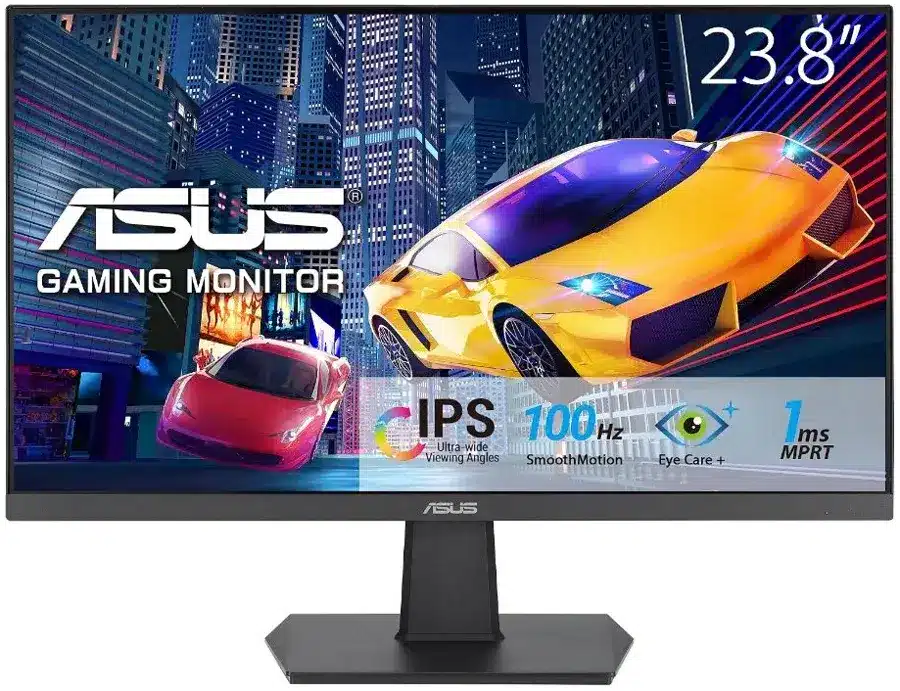
A simple 23.8-inch IPS monitor for offices that need HDMI display output without docking features.
Key Specifications
- 23.8-inch IPS; 1920 × 1080; up to 100Hz
- HDMI input
- Tilt adjustment: −5° to +23°
- 100 × 100mm VESA mounting
- No height-adjustable stand or USB-C laptop charging
This business monitor is best for
Reception desks and budget dual-screen deployments. HDMI and a VESA mount make it a straightforward display for a desktop or an existing monitor arm.
Why we recommend it
The VA24EHF's useful combination is an IPS panel and 100Hz refresh rate in a basic monitor. Its stand only tilts; a separate arm is needed for substantial positioning flexibility. There is no hub or single-cable laptop docking, so its value depends on keeping those requirements simple.
In a five-star Amazon review, Ehsan Omidvari reports buying two VA24EHF monitors for his office and praises their color, brightness and contrast for everyday office use. Amazon listing reviews.
- IPS panel and 100Hz
- VESA mounting
- Tilt-only stand
- Limited connectivity
4. ASUS VA27EHF
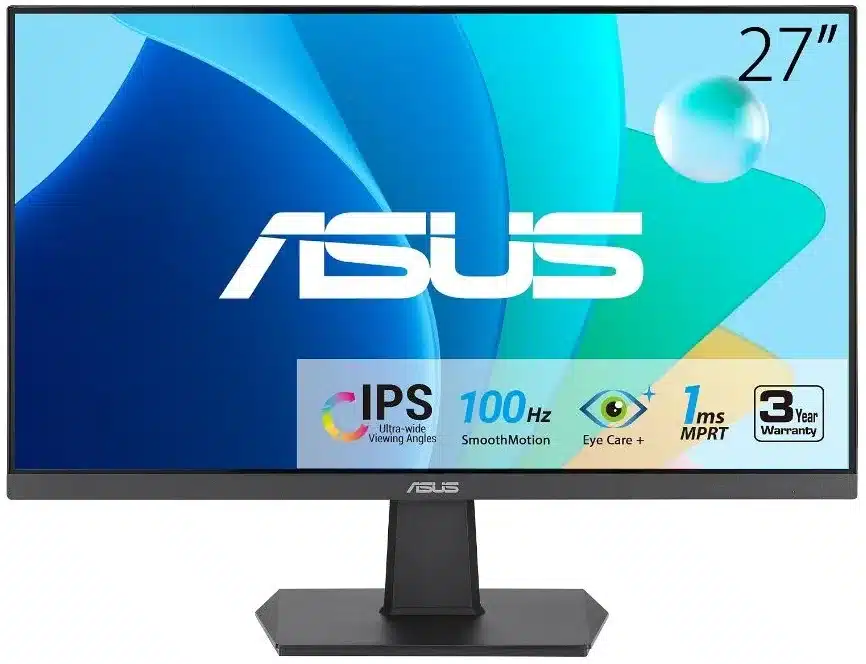
The 27-inch VA27EHF prioritizes a physically larger image over higher resolution.
Key Specifications
- 27-inch IPS; 1920 × 1080; up to 100Hz
- HDMI input
- Tilt adjustment: −5° to +23°
- 100 × 100mm VESA mounting
- No height-adjustable stand or USB-C docking
This business monitor is best for
Staff who prefer larger interface elements at normal scaling. Full HD spread across 27 inches makes content larger than on a 23.8-inch screen.
Why we recommend it
It offers a larger display without adding the scaling considerations of 4K. It does not show more pixels than the VA24EHF, so it is less suited to dense analytical work where QHD would add workspace. The simple stand and HDMI-only approach keep it focused on basic display use.
Amazon reviewer M. James gives the VA27EHF five stars and credits its slim side bezels with helping a larger screen fit into a tight space. Read M. James’s Amazon review.
- Large IPS image
- 100Hz refresh
- Lower pixel density than QHD
- Tilt-only stand
5. Dell Pro 27 Plus P2725H
A 27-inch Full HD monitor with business stand adjustment and legacy as well as digital video inputs.
Key Specifications
- 27-inch IPS; 1920 × 1080; 100Hz
- Height, tilt, swivel and pivot on stand-equipped version
- HDMI, DisplayPort and VGA
- USB-B upstream with USB peripheral ports
- USB-C downstream up to 15W; no USB-C video upstream
This business monitor is best for
Office staff needing a larger reading display with adjustable positioning. VGA also serves older office PCs that lack modern display outputs.
Why we recommend it
P2725H adds practical ergonomics and peripheral connectivity to a large Full HD screen. It favors larger text at normal scaling, not the extra document area of a 27-inch QHD monitor. Its USB-C downstream should not be treated as a laptop docking connection.
- Business stand adjustments
- Legacy VGA plus digital inputs
- Full HD pixel density at 27 inches
- No USB-C laptop docking
6. Lenovo ThinkVision T24i-30
A 23.8-inch business display with a 60Hz panel, ergonomic stand and broad office connectivity.
Key Specifications
- 23.8-inch IPS; 1920 × 1080 at 60Hz
- Height, tilt, swivel and pivot
- HDMI 1.4, DisplayPort 1.2 and VGA
- Four-port USB hub
- No USB-C laptop power-delivery docking
This business monitor is best for
IT teams maintaining mixed-generation desktops. VGA, HDMI and DisplayPort accommodate older and newer PCs within a consistent monitor fleet.
Why we recommend it
The T24i-30 emphasizes stand adjustment and connectivity rather than a high refresh rate. Its 60Hz specification distinguishes it from the 100Hz Dell and ASUS alternatives. Full HD is adequate for conventional office documents, while QHD or 4K offers more room or sharper text for denser work.
- Three video-input types
- Ergonomic stand and USB hub
- 60Hz refresh rate
- Full HD resolution
7. Dell Pro 27 Plus 4K P2725QE
A 27-inch 4K USB-C hub monitor for detailed documents and a connected laptop desk.
Key Specifications
- 27-inch IPS; 3840 × 2160 at up to 100Hz
- USB-C video/data upstream with up to 90W power delivery
- HDMI and DisplayPort
- USB peripheral hub
- Adjustable office stand; stand/package details depend on order
This business monitor is best for
Analysts reading dense tables and professionals reviewing detailed documents. The 4K panel improves text detail, while USB-C reduces laptop cabling.
Why we recommend it
Four times the pixel count of Full HD provides sharper detail, though operating-system scaling determines the usable workspace. Up to 90W charging suits many business laptops but not every high-power workstation. It is a higher-feature option within this list, so actual purchase price matters when building a budget fleet.
- 4K detail and 100Hz
- 90W USB-C upstream
- Scaling may be needed at 27 inches
- Higher-feature price tier
8. Dell Pro 24 Plus P2425 — 16:10
P2425 is the 16:10 WUXGA model, distinct from the Full HD P2425H.
Key Specifications
- 24.07-inch IPS; 1920 × 1200 at 100Hz
- 16:10 aspect ratio
- Height, tilt, swivel and pivot
- HDMI, DisplayPort, VGA and USB-B upstream
- USB-C downstream up to 15W; no USB-C laptop video upstream
This business monitor is best for
Document editors and accounting staff who value extra vertical space. Its 1,200 rows provide 120 more vertical pixels than a 1,080-row Full HD display.
Why we recommend it
The taller aspect ratio is the reason to choose P2425 over P2425H, not a larger diagonal alone. It keeps familiar horizontal resolution while showing more spreadsheet rows or page content. The peripheral USB-C port does not make it a USB-C docking monitor, and stock availability should be assessed for the exact suffix-free model.
- Additional vertical document space
- Full stand adjustment
- Not QHD
- No single-cable laptop docking
9. ASUS ProArt PA278QV
The original PA278QV is a 27-inch QHD monitor aimed at color-conscious office and creative work.
Key Specifications
- 27-inch IPS; 2560 × 1440; up to 75Hz
- 100% sRGB and 100% Rec.709 coverage
- HDMI, DisplayPort, Mini DisplayPort and DVI-D
- USB hub; height, tilt, swivel and pivot adjustment
- Original PA278QV; distinct from newer Gen2 suffix models
This business monitor is best for
Marketing designers preparing web graphics and analysts wanting more spreadsheet columns. QHD adds working area, while the sRGB-focused specification suits standard digital content.
Why we recommend it
It combines a useful QHD workspace with color-focused features and a highly adjustable stand. Its older input mix includes DVI-D and Mini DisplayPort, but no USB-C laptop docking. This entry refers to the original 75Hz PA278QV, not a Gen2 model with a different model suffix.
- QHD and sRGB-focused features
- Adjustable stand and broad inputs
- No USB-C docking
- Original model limited to 75Hz
10. BenQ GW2790QT
GW2790QT combines a 27-inch QHD panel with USB-C laptop connectivity and a productivity-oriented stand.
Key Specifications
- 27-inch IPS; 2560 × 1440; 75Hz
- USB-C with DisplayPort Alt Mode, data and up to 65W power delivery
- HDMI and DisplayPort input; DisplayPort output
- USB hub; height, tilt, swivel and pivot adjustment
- Daisy chaining requires a compatible source and display setup
This business monitor is best for
Hybrid workers who need QHD workspace and a single connection for a modest-power laptop. DisplayPort output can support a compatible second-screen arrangement.
Why we recommend it
The 65W USB-C connection is a real charging feature, rather than merely a data port. It pairs with QHD resolution for document and coding work without moving to 4K. A laptop with a higher charging requirement may still need its own power supply, and daisy-chain support depends on the computer platform.
- QHD and 65W USB-C upstream
- Adjustable stand and DisplayPort output
- 65W may be insufficient for some laptops
- 75Hz rather than 100Hz
Frequently Asked Questions
What should we compare when buying monitors for several office desks?
Standardize the required ports, resolution, stand adjustment, VESA mounting and warranty terms before ordering. For multi-screen desks, confirm that each computer or dock supports the intended number of displays at their chosen resolution and refresh rate. Test one complete setup before repeating it across the office.
Buying Guide for Professionals
For spreadsheets, prioritize resolution and ergonomic positioning. A 24-inch FHD screen works well for two-monitor desks, while a 27-inch QHD panel gives more usable workspace. USB-C docking and power delivery are especially useful for hybrid teams.
Sources and Specifications
These reviews are based on published product specifications and professional workload fit, not claimed hands-on testing.
- Dell monitor technical details